Getting started
Abilian SBE is organised around communities. A community is a shared space for a team, a project or a working group, with its own discussions, documents, wiki and calendar. You see the communities you belong to; their managers invite new members.
Signing in
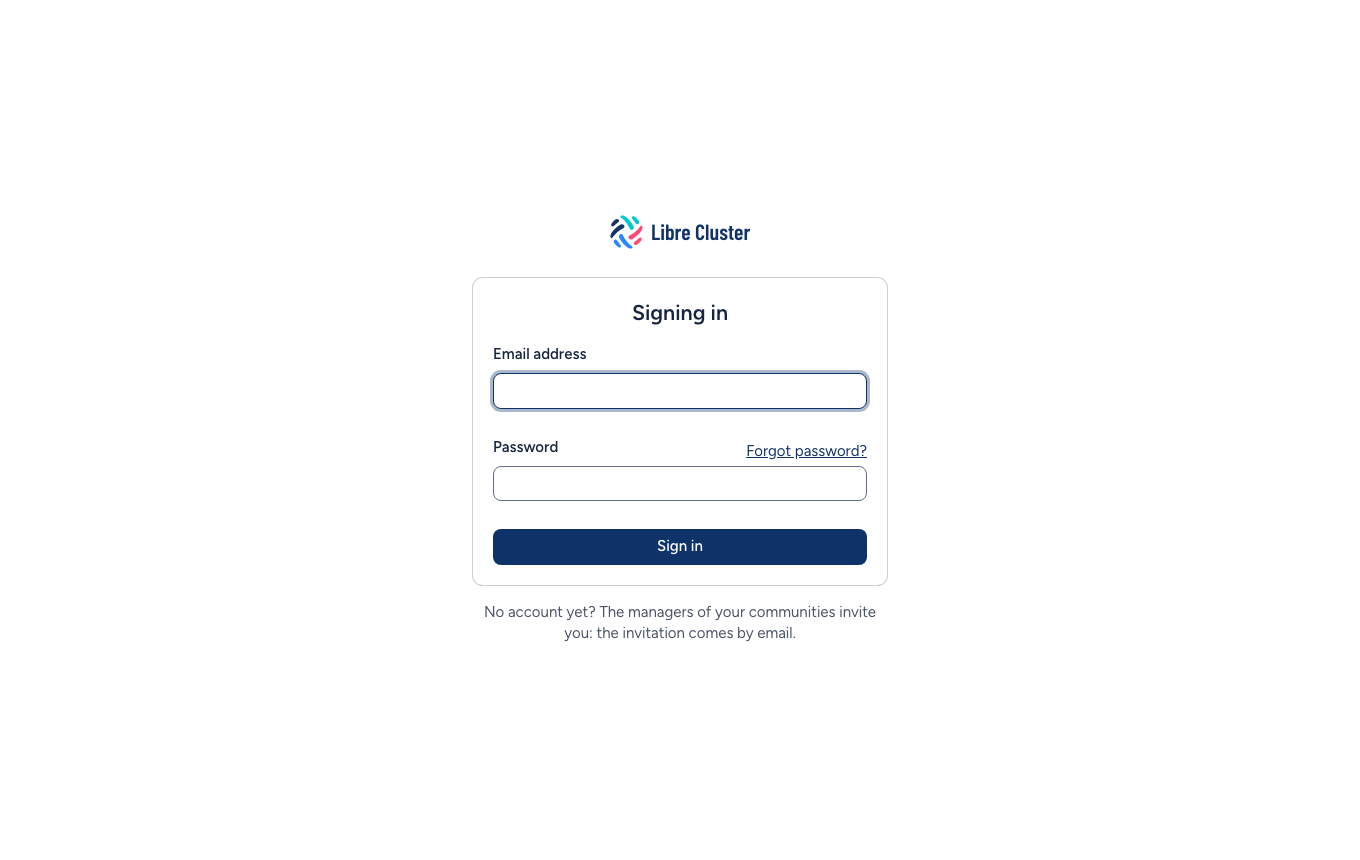
You sign in with your e-mail address and your password. If you were invited, the invitation e-mail holds a link to choose your password; the link works for 24 hours, and Forgot password? on the sign-in page sends a new one.
My feed
My feed is the home page. It lists what happened in all your communities, newest first: discussions started and answered, documents posted, wiki pages written, events announced.
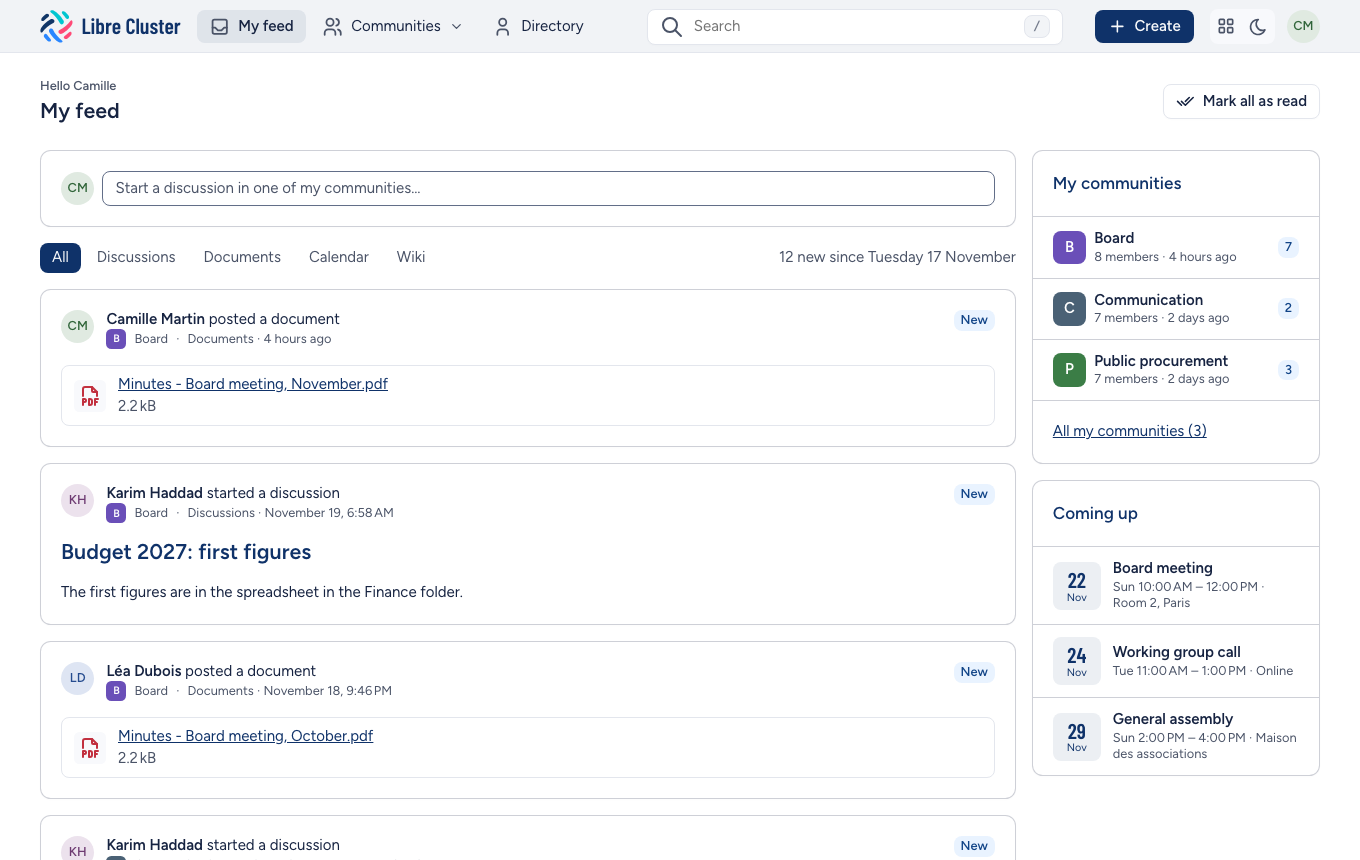
- New marks what came since you last clicked Mark all as read. The communities on the right show how many new things each holds.
- The filters above the feed keep one kind of news: discussions, documents, calendar or wiki.
- The box at the top starts a discussion in one of your communities.
- Coming up lists the next events of your communities.
The bar
The bar at the top of every page takes you anywhere:
- My feed, the home page.
- Communities, a menu of your communities, those with something new first, a filter for the others, and the communities you could join.
- Directory, the people you work with.
- Search, which suggests results as you type. Press
/from any page to jump to it. - Create, to start a discussion in one of your communities.
- The moon or sun button switches between the light and the dark theme, and your initials open your account.
Next
- Communities: finding, joining and running them.
- Discussions, Documents, Wiki and Calendar: the tools of a community.
- People and search: finding anyone and anything.
- Your account: your photo, your language and what you receive by e-mail.